The Best AI Tools for Automation in 2026 (And How They Actually Fit Together)
Let me be honest with you upfront: most articles about the best AI tools for automation in 2026 are useless
They list 15 tools, describe what each one does in two sentences, and leave you more confused than when you started. You still don’t know which one to actually use, how they work together, or whether any of them will solve your actual problem.
This article is different. I’m going to tell you what these tools are genuinely good at, where they fall short, and — most importantly — how they fit together into a system that actually reduces your workload.
Because that’s the thing nobody talks about. The best AI automation setup in 2026 isn’t a single tool. It’s a stack. And knowing which tool does what job is what separates people who actually automate their work from people who just have a lot of browser tabs open.
Let’s get into it — and by the end, you’ll know exactly which of the best AI tools for automation in 2026 belongs in your stack.
First, What Makes an Automation Tool Worth Your Time?
Before we go through the tools, here’s how I think about this. When evaluating the best AI tools for automation in 2026, a good tool should do at least one of these things well:
- Connect apps together without you manually copying data between them
- Trigger actions automatically based on events (a form submission, an email, a new row in a spreadsheet)
- Use AI to process information — summarising, classifying, generating, deciding
- Store or organise data in a way that the rest of your workflow can use
- Reduce something you currently do manually, every single day
If a tool doesn’t clearly do one of those things for your specific situation, it’s probably not worth the complexity of adding it.
With that in mind, here’s the honest breakdown — and why these are genuinely the best AI tools for automation in 2026.
The Best AI Automation Tools for Workflows (The Engine Room)
These are the tools that actually run your automations. Everything else plugs into them.
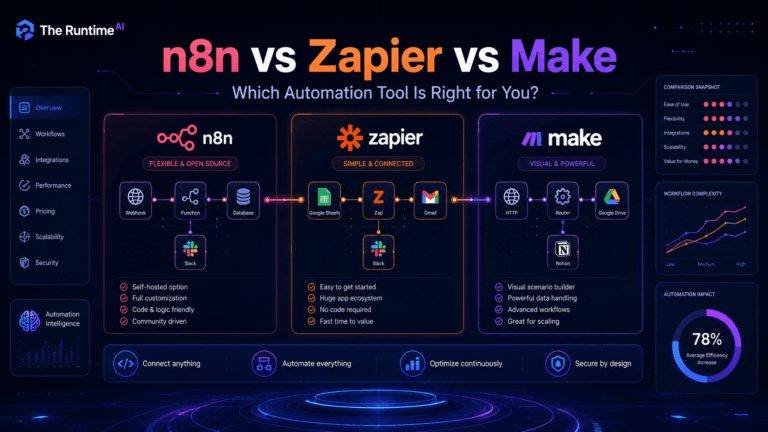
n8n — The Most Powerful (And Worth the Learning Curve)
If you want to build serious, flexible workflows, n8n is where you eventually end up.
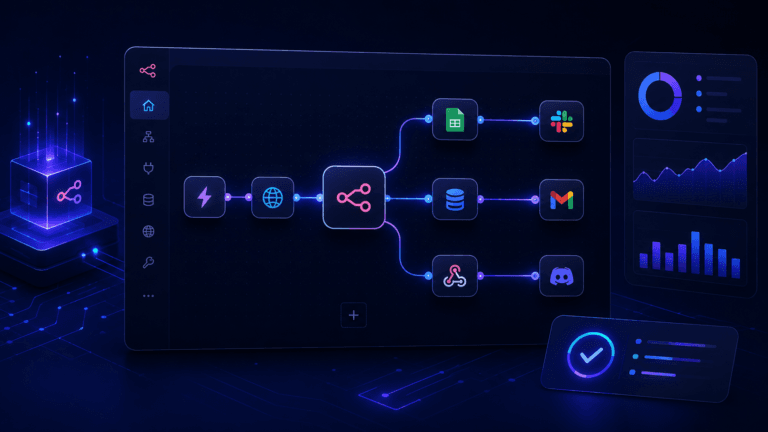
It’s visual — you connect nodes together to build a workflow — but it also gives you access to raw data, custom code, API calls and conditional logic that tools like Zapier simply don’t offer at the same price point. You can build automations that most people would assume require a developer.
I’ve used it to build lead capture workflows, AI content pipelines, client notification systems and CRM update automations. Once you understand how it thinks — triggers, nodes, data flow — you can build almost anything.
Who it’s for: developers, technical founders, IT professionals, automation builders, agencies. If you’re comfortable with APIs and logic, this is your tool.
The honest downside: the first few hours feel steep. The interface isn’t as immediately friendly as Zapier. But once it clicks, you won’t go back.
Pricing: free self-hosted, or cloud plans starting around $20/month — significantly cheaper than Zapier at scale.
Zapier — The Easiest Starting Point
Zapier is what most people start with, and for good reason. You pick a trigger, pick an action, connect two apps, and it works. No thinking required.
For simple automations — new form submission creates a CRM contact, new email creates a task, spreadsheet row triggers a Slack message — Zapier is genuinely excellent. It’s also the most connected platform on the market, with thousands of integrations.
Who it’s for: non-technical users, small business owners, marketers, sales teams, anyone who wants automation without learning anything technical.
The honest downside: it gets expensive fast as your workflows grow. And complex logic — branches, loops, transformations — gets messy. When you hit that ceiling, you’ll start looking at n8n or Make.
Make (formerly Integromat) — The Visual Sweet Spot
Make sits between Zapier and n8n. It’s more visual than both, which makes it easier to see exactly how data flows through your workflow. It’s also more flexible than Zapier for complex logic, without being as technical as n8n.
I particularly like it for content workflows, social media scheduling, client onboarding sequences and data syncing between tools. The visual canvas makes it easy to spot where something breaks.
Who it’s for: operations teams, marketers, agencies, no-code builders, business owners who want flexibility without full technical depth.
The honest downside: data mapping and filters can trip you up if you’re not used to thinking about data structures. But there’s plenty of good documentation.
Microsoft Power Automate — If You’re Already Inside Microsoft
If your business runs on Microsoft 365, this one makes obvious sense. It connects natively with SharePoint, Teams, Outlook, Excel, Forms and the rest of the Microsoft ecosystem. It also supports robotic process automation for desktop workflows.
Who it’s for: enterprise teams, IT departments, operations teams, finance and HR workflows — anyone already working inside Microsoft’s world.
The honest downside: it feels corporate and constrained. If you’re a startup or solo builder, Zapier or Make will feel far more flexible. Power Automate is powerful, but it’s optimised for governance and compliance, not speed and creativity.
The AI Brain Layer (What Makes Workflows Smart)
These tools don’t run your automations. They make your automations intelligent. Think of them as the reasoning engine you plug into your workflow.
ChatGPT — The Most Versatile AI Layer
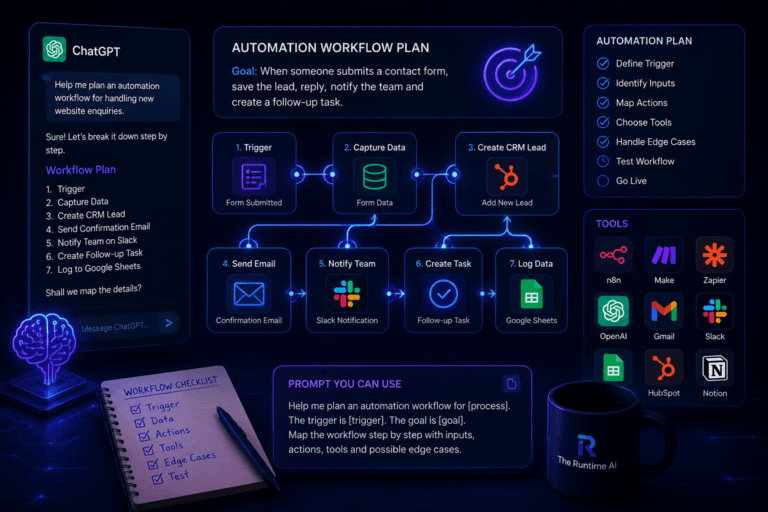
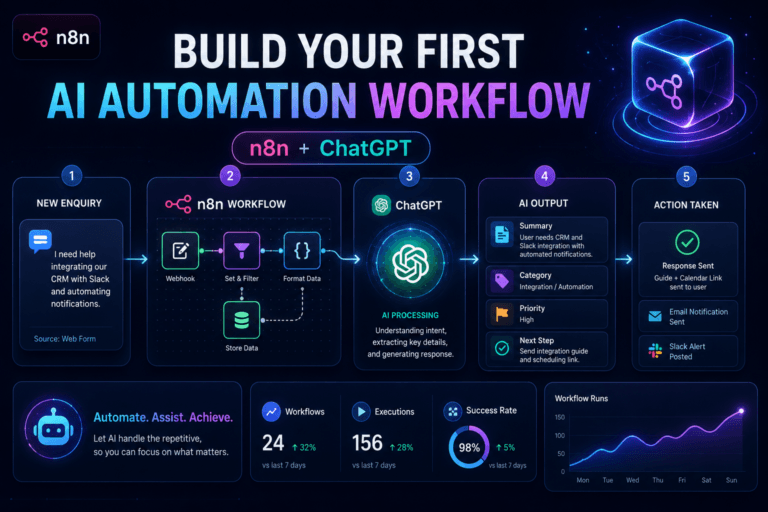
ChatGPT isn’t an automation platform, but it’s become a critical layer inside many automation workflows. You use something like n8n or Make to trigger an action, pass data to ChatGPT, and use its output to make a decision, generate content, classify text or draft a response.
A practical example: a customer fills out a support form, n8n captures the response, sends it to ChatGPT to classify the issue type and draft a reply, then routes it to the right team member. What used to take 20 minutes of manual triaging happens in seconds.
Best for: content generation, text classification, summarisation, writing drafts, routing logic, turning unstructured data into structured output.
Claude — Better for Complex Reasoning and Planning
Disclaimer: yes, I’m Claude, which makes this slightly awkward to write objectively. I’ll try.
Where ChatGPT is excellent for fast generation tasks, Claude tends to handle longer, more complex reasoning better. If you’re planning a multi-step automation, reviewing a workflow for logic errors, mapping a manual business process into automation steps, or writing detailed technical documentation, Claude is worth using alongside or instead of ChatGPT depending on the task.
For automation builders specifically, Claude is useful for thinking through edge cases, writing API request examples, explaining error messages and structuring complex workflow logic.
Best for: planning, reasoning, longer-form writing, technical explanation, reviewing automation logic, system design thinking.
Perplexity — For Research-Driven Workflows
Some workflows start with research. Before you write a blog post, compare tools, create a content brief or draft a report, you need reliable information.
Perplexity gives you AI-powered answers with sources — so you’re not just getting a confident-sounding response, you’re getting something you can verify. For content workflows especially, this matters.
Best for: researching topics quickly before writing, comparing tools, summarising current trends, finding sources, building content briefs.
NotebookLM — When You Need to Work From Your Own Sources
This one is underrated. NotebookLM lets you upload your own documents — research, notes, reports, transcripts — and then have a conversation with that content.
If you’re building content from your own research, summarising documents, preparing article outlines from source material, or creating training guides from internal documents, NotebookLM is genuinely useful in a way that general AI tools aren’t.
Best for: document-heavy research workflows, summarising uploaded sources, turning notes into structured content, knowledge management.
The Data and Knowledge Layer (Where Your Information Lives)
Airtable — When Spreadsheets Aren’t Enough
At some point, your automation workflow needs somewhere to store and organise data. Airtable is the flexible database that fills the gap between a spreadsheet and a proper database.
Think of it as a spreadsheet that your automations can read from and write to, but with better structure, filtering, views and collaboration. A content calendar, a lead tracker, a client database, an automation dashboard — Airtable handles all of these well.
Best for: content teams, agencies, startups, operations workflows. Works best when combined with n8n, Zapier or Make.
Notion AI — For Knowledge and Documentation Workflows
If your automation touches planning, documentation or internal knowledge, Notion with AI features is worth considering. It’s where a lot of teams already keep their notes, projects and processes — so adding AI to summarise, rewrite and organise that content extends what you already have.
Best for: team knowledge workflows, meeting summaries, content planning, documentation automation.
The Builder Layer (When Your Automation Needs a Front-End)
Lovable — Turn Automation Into an App
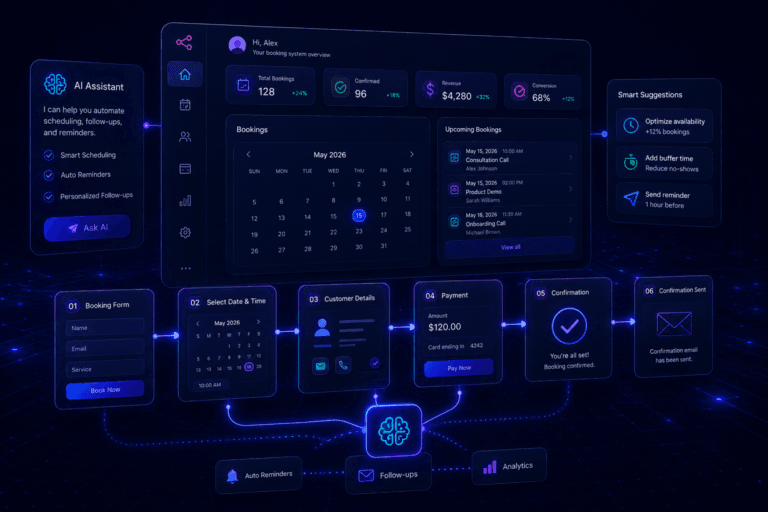
This is where things get interesting for builders. Lovable lets you build actual apps — dashboards, portals, booking systems, admin panels, SaaS prototypes — using AI prompts. You describe what you want and it generates the code.
The key insight is that Lovable isn’t a replacement for n8n or Zapier. It’s the user-facing layer that sits on top of your automation workflow. Your n8n workflow handles the logic in the background; Lovable gives your users something to interact with.
I’ve used this approach for client-facing booking systems and admin dashboards — the automation runs invisibly behind a clean interface.
Best for: building the front-end around your automation, SaaS MVPs, client portals, internal dashboards, booking systems.
Base44 — Similar to Lovable, Worth Knowing
Base44 is another AI app builder in the same space as Lovable. It focuses on turning ideas into working apps quickly. Worth experimenting with if you want to compare approaches — both tools are evolving fast in 2026.
How These Tools Actually Work Together
Here’s the part most articles skip. No single tool does everything. The real power of the best AI tools for automation in 2026 comes from combining them into a working stack.
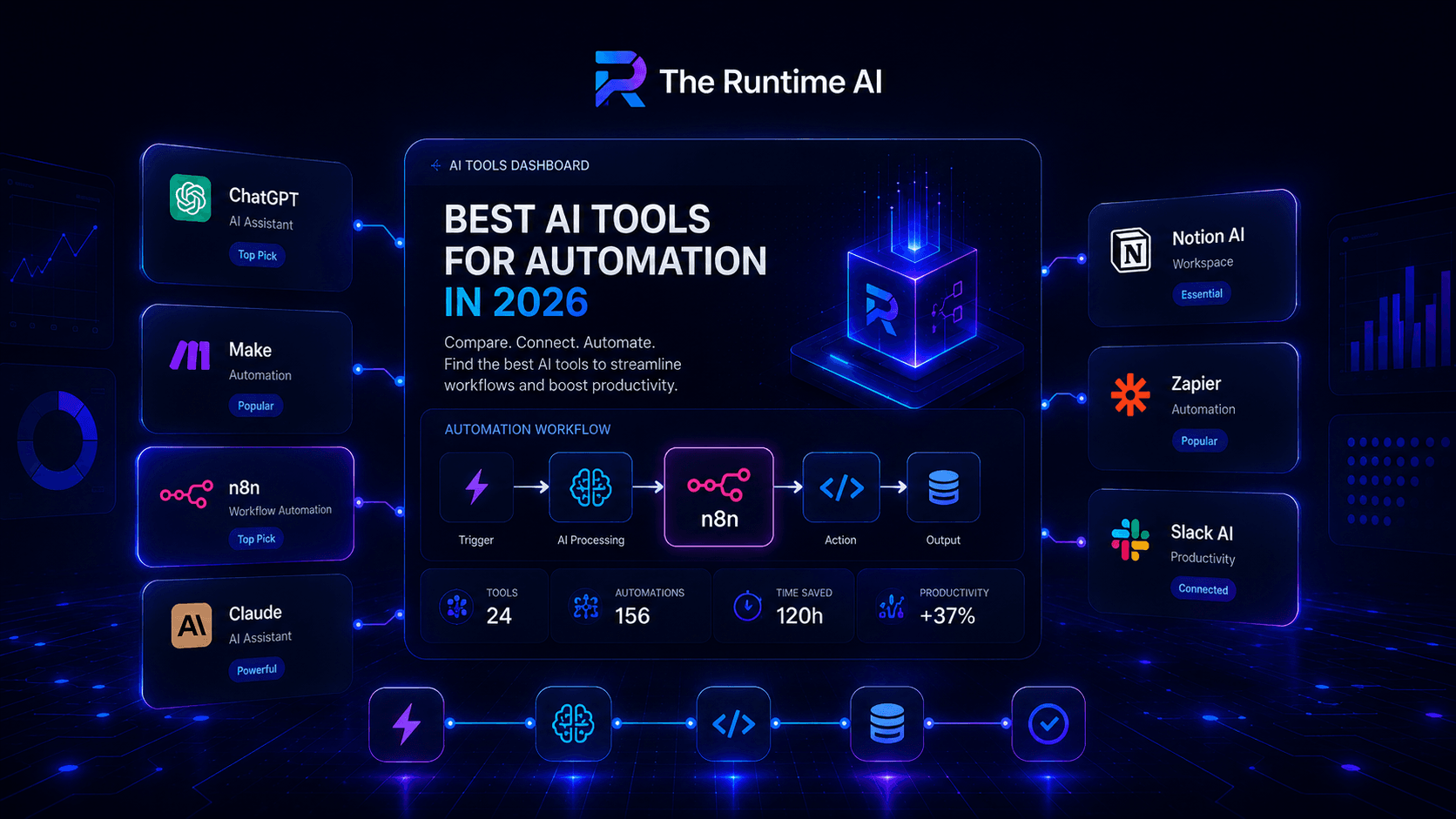
This is what a complete stack of the best AI tools for automation in 2026 actually looks like:
Perplexity       → Research the topic
NotebookLM       → Analyse your own source documents
Claude / ChatGPT → Plan the workflow, write the content
n8n or Make      → Run the automation (trigger, process, send)
Airtable         → Store and track the data
Lovable          → Build the user-facing interface if needed
For a content workflow specifically:
Perplexity researches the topic
↓
Claude plans the structure and writes a draft
↓
n8n publishes it, updates the content tracker in Airtable
↓
Zapier sends a Slack notification to the team
For a client onboarding workflow:
Client fills in a form
↓
n8n captures it, sends to ChatGPT to generate a welcome email
↓
Airtable records the new client
↓
Calendly booking link sent automatically
↓
Lovable dashboard updates with new client status
This is where the best AI tools for automation in 2026 stop being a curiosity and start being a genuine competitive advantage.
Where to Start If You’re New to This
Don’t try to build the full stack immediately. The best AI tools for automation in 2026 are only useful if you start with one workflow that solves one real problem.
If you’re non-technical, start with Zapier — pick one repetitive task and automate it this week.
If you’re technical or want serious flexibility, n8n is the best AI tool for automation in 2026 for your needs — set up one workflow and learn how the data flows.
Once you have one workflow running, the rest becomes much easier to think about. The stack builds naturally from there.
The Runtime AI covers practical AI automation, workflow systems, SaaS and vibe coding for people who actually build things. If you want to implement any of this inside your own business, take a look at Alchemix Systems.